A browser
for driving
the web.
Keyboard first. Private. Open. For Omarchy and Arch Linux.
For people who know
where they’re going.
Latest: v0.16.1 · · release notes
-
One field for everything
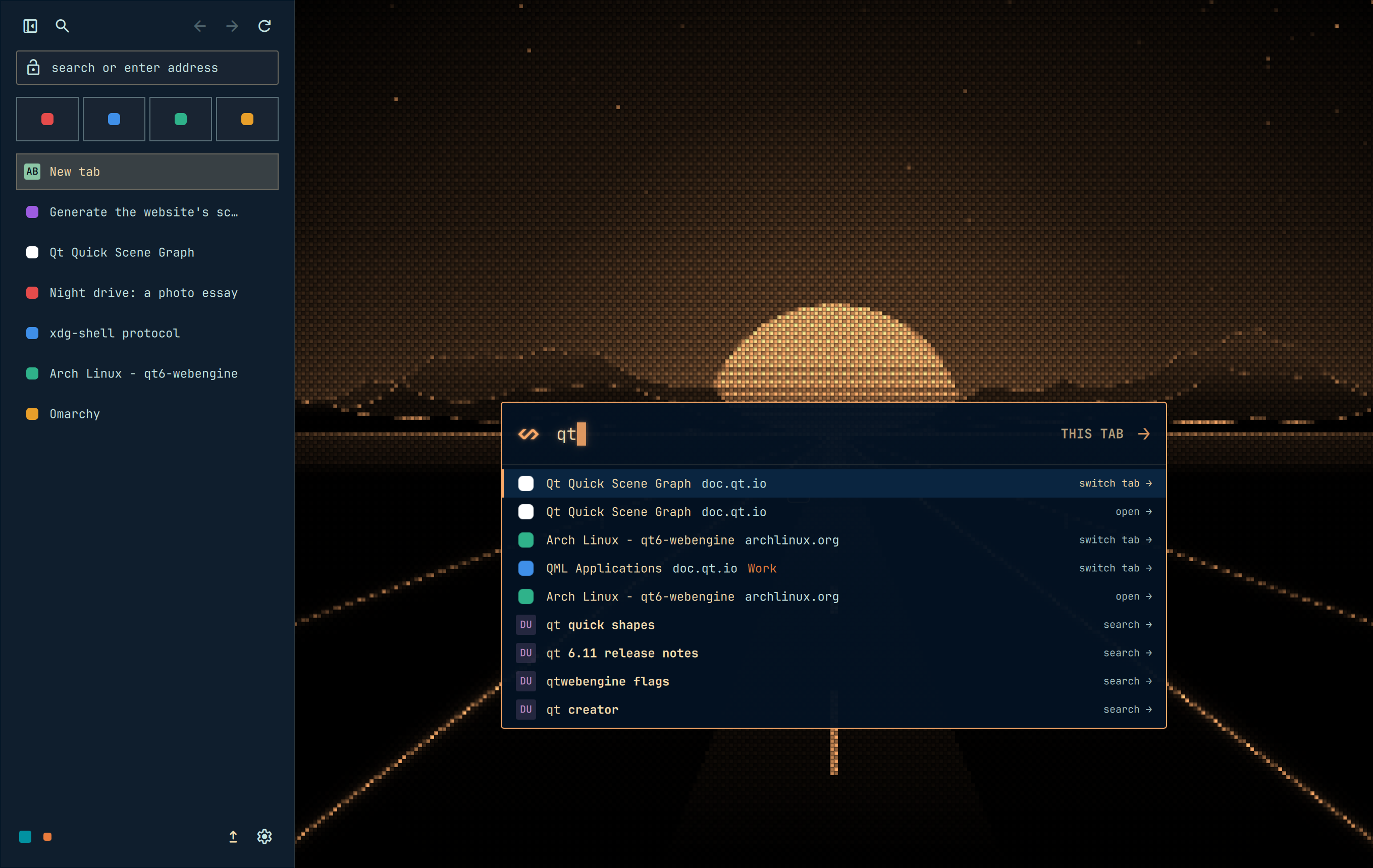
Type a few letters and the Omnibar finds the page: an open tab in this Space or another, a visit from history, a search with your engine’s suggestions. Every browser command runs from the same field. o
-

Work and personal, kept apart
Each Space keeps its own logins, history and tabs in the same window, and wears its own colour from your theme. J and K move through its tabs.
-
Keyboard first
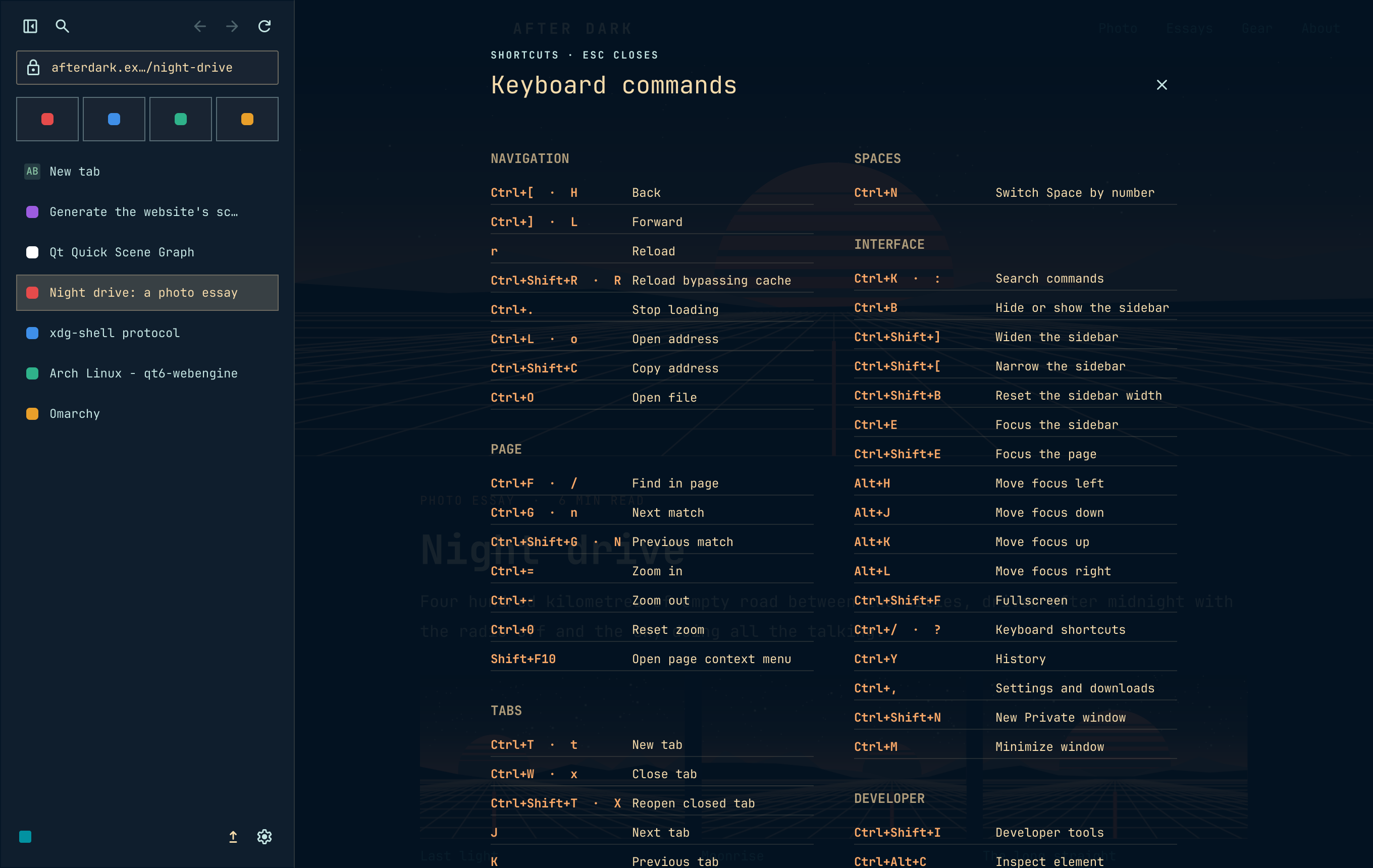
Link hints on f, Vim-style keys, and every binding yours to change in
keybindings.json. The mouse is optional. -
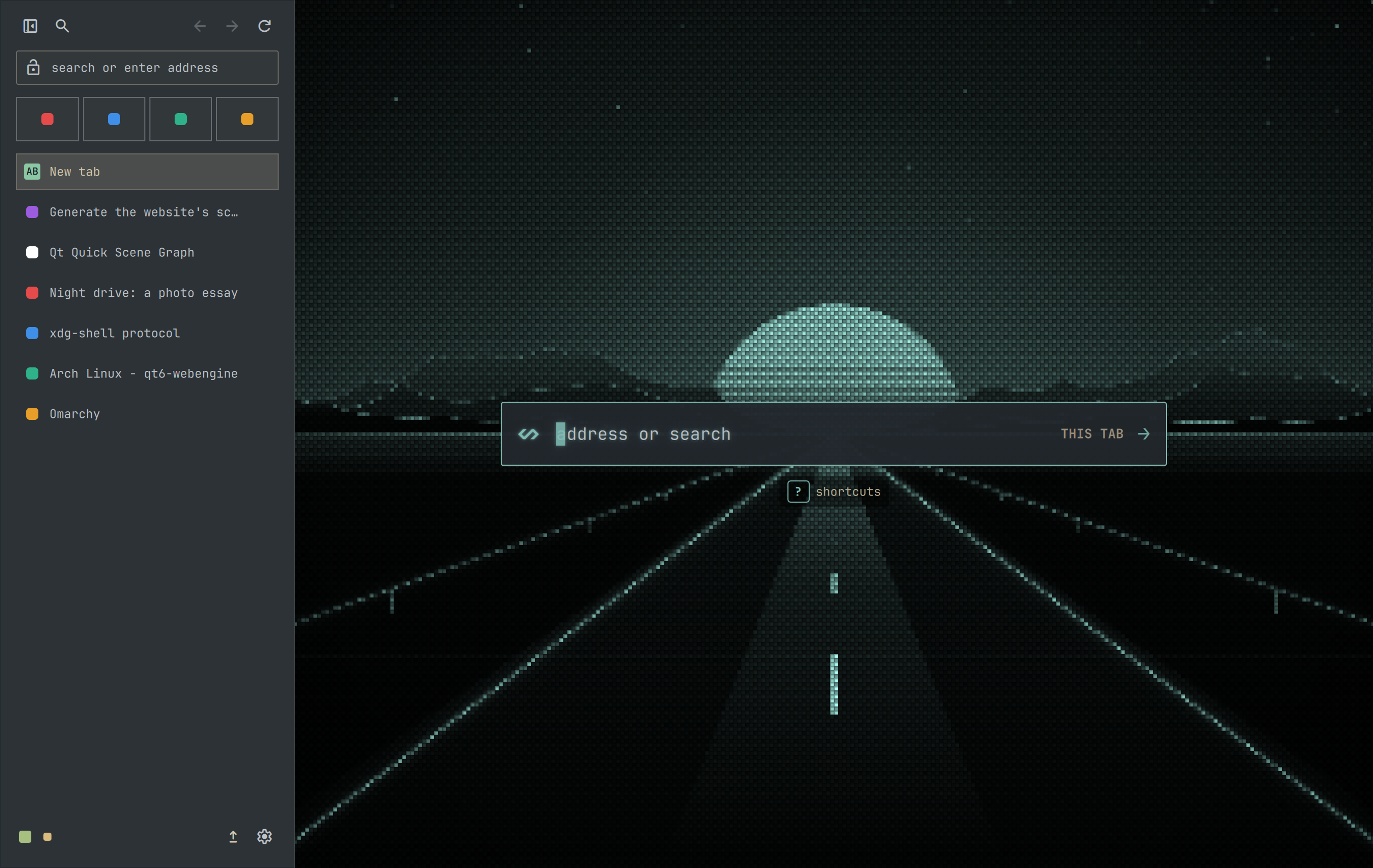
Follows your Omarchy theme
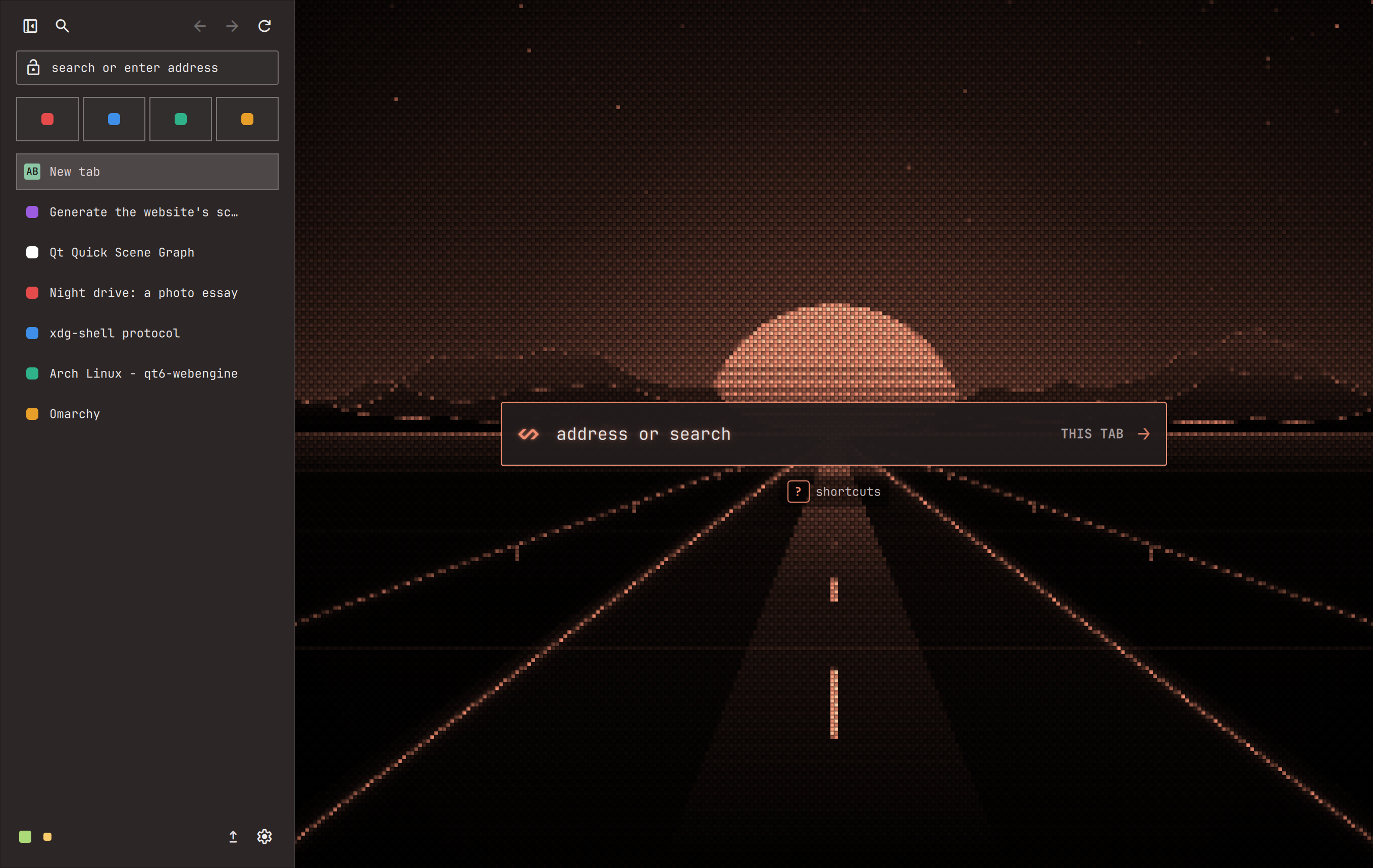
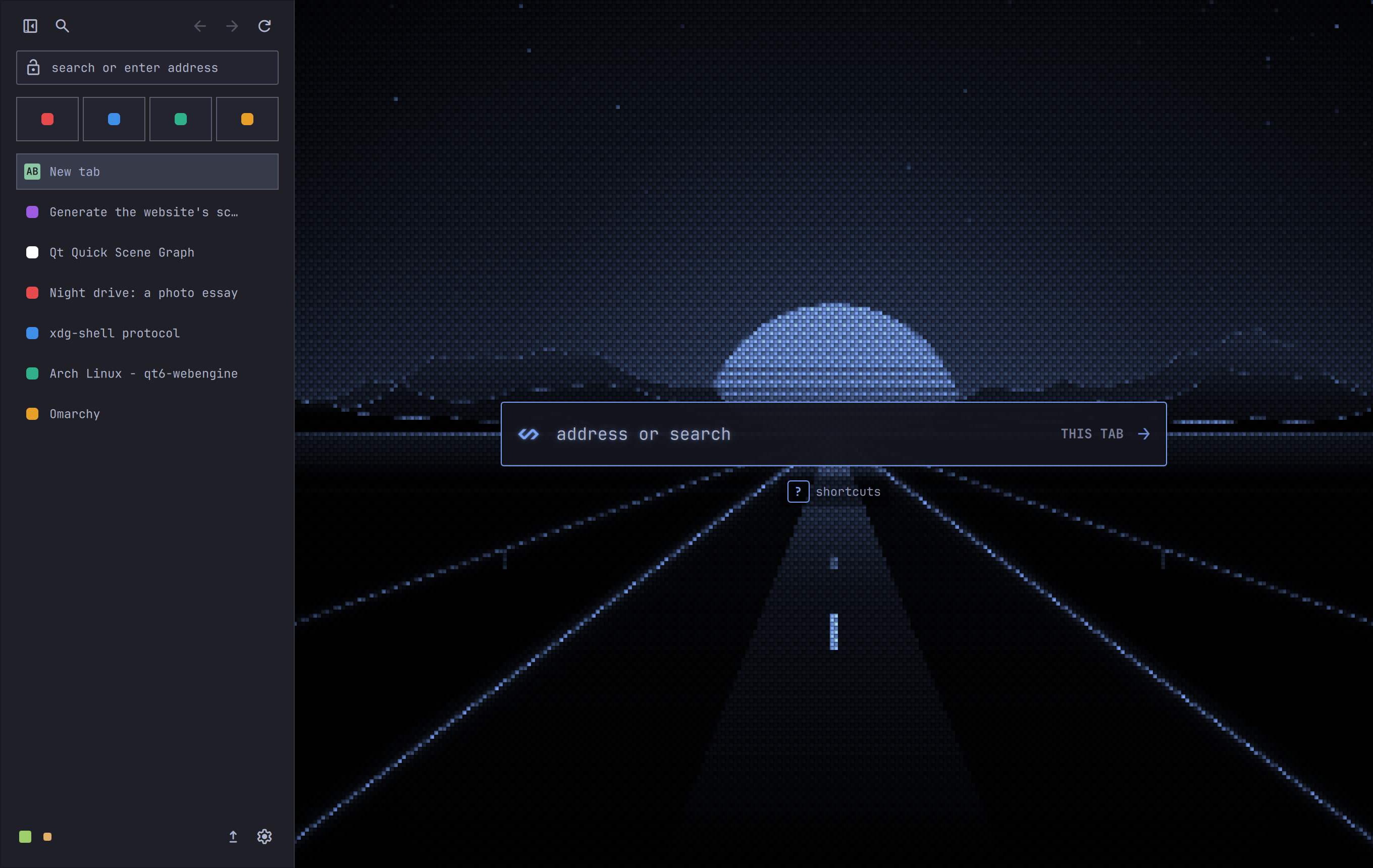
Switch your Omarchy theme and Omaweb switches with it: its colours, its fonts, its opacity, and the road on every new tab. This page follows the theme you pick here. T
-
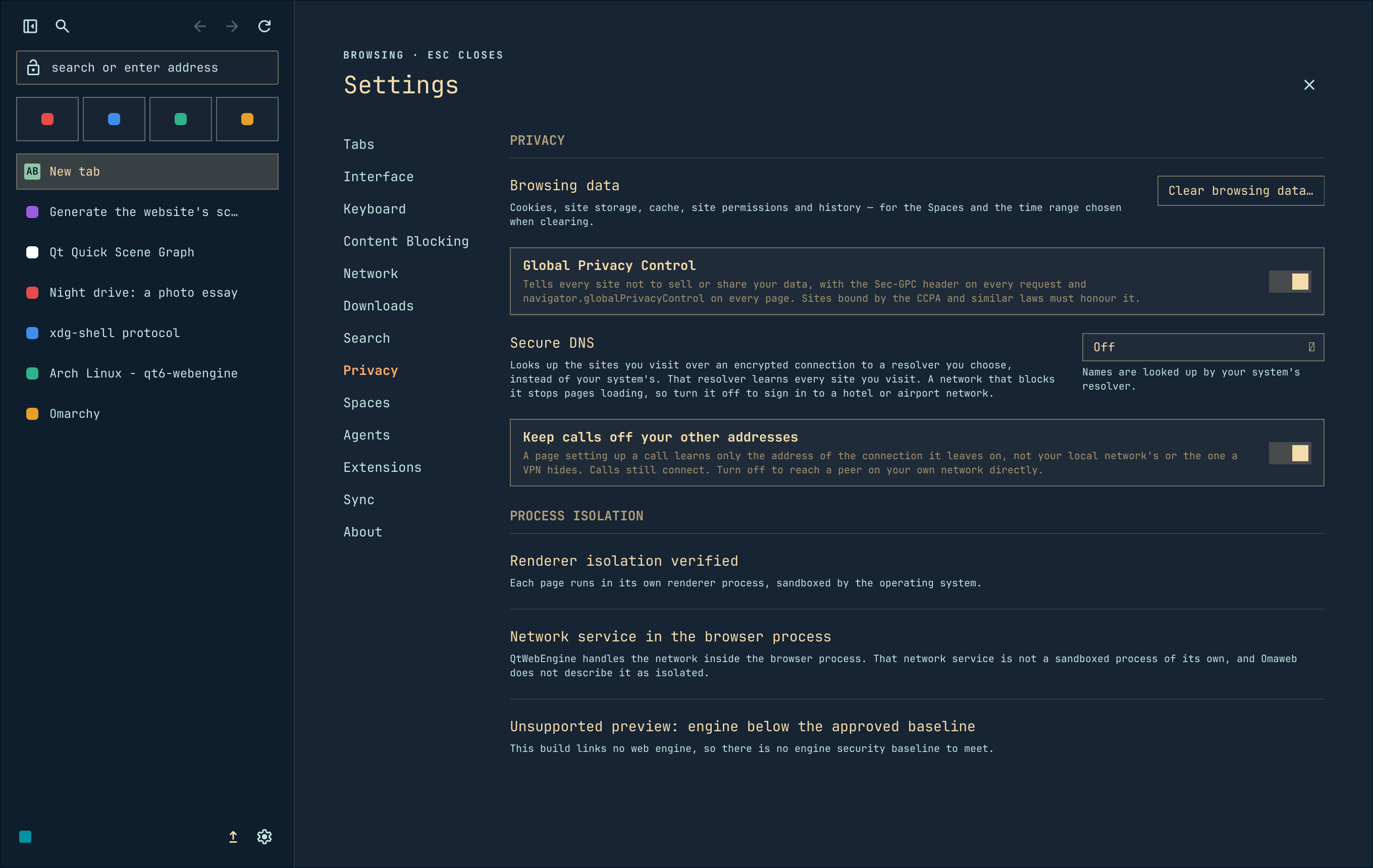
Private by default
No telemetry, and no account to make. Every request the browser makes on its own is listed, with what each one sends.
-
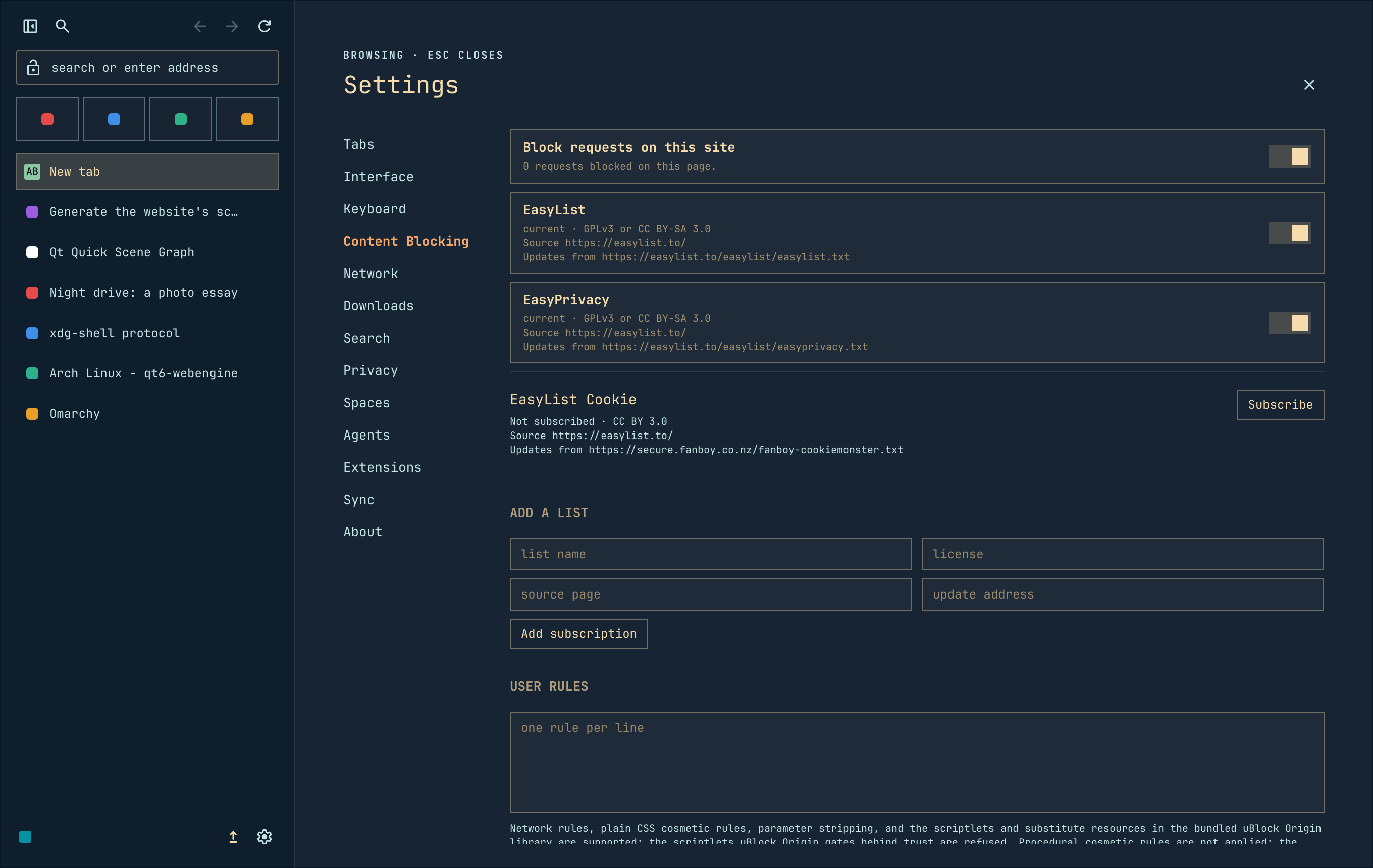
Blocking, built in
EasyList and EasyPrivacy from the first run, with cosmetic rules and a count of what was blocked. Add lists, write your own rules, or turn blocking off for one site.
-
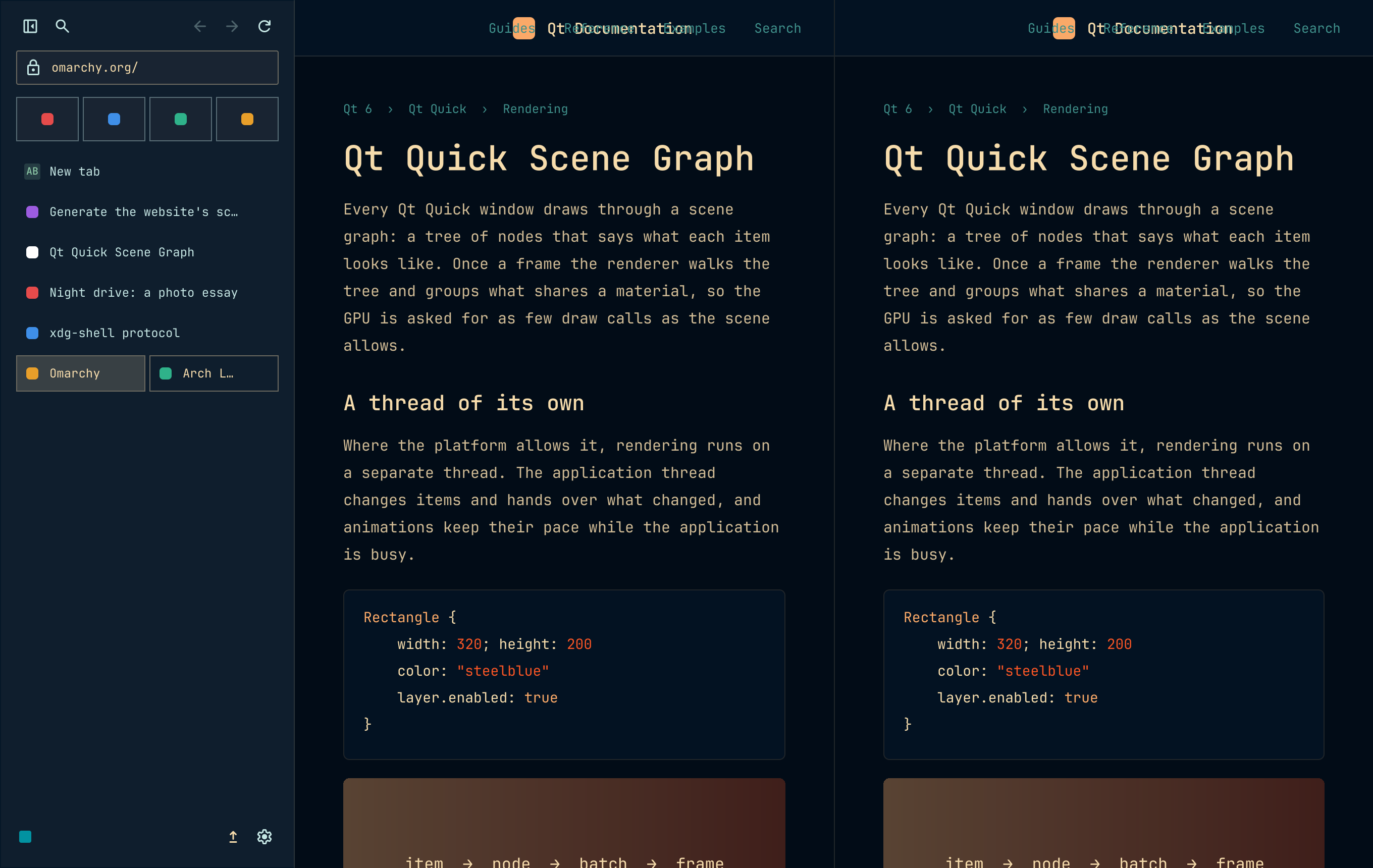
Split view and docked DevTools
Two pages side by side in split view, and DevTools docked beside the page.
-

Agents drive their own Spaces
An Agent works in a Space of its own, marked in the footer, and never in yours unless you let it. Any agent that can run a shell command drives it with
omaweb space new,open,lookanddo, once you turn on Allow agents. How Agents work
Get on the road.
Omaweb ships from its own pacman repository, so it installs and upgrades with the rest of your system. One line, once.
curl -fsSL https://omaweb.app/install | sh
It shows the lines it adds to /etc/pacman.conf, the key and its
fingerprint, and what it installs, then asks once before it uses sudo.
sh -s -- --yes skips the question.
Read the script first if you like. From then on,
omarchy update keeps it current on Omarchy, and
sudo pacman -Syu on plain Arch.
Advanced: install by hand
[omaweb]
SigLevel = Required DatabaseRequired
Server = https://github.com/villekivela/omaweb/releases/download/repo-$archcurl -fsSLO https://raw.githubusercontent.com/villekivela/omaweb/main/security/repo-signing-key.asc
sudo pacman-key --add repo-signing-key.asc
sudo pacman-key --lsign-key FDA535B2185755EA718BEA585DBF15FE484EFA64
sudo pacman -Syu omaweb
On Omarchy, whose pacman hook refuses a direct pacman -Syu, run
omarchy update and then sudo pacman -S omaweb as the last
step instead.
The fingerprint is the one thing to check. It comes from here, not from a keyserver, and pacman installs nothing that key did not sign. A single package or a build from source instead? The README has both.